
BuildRunKit Invoice: Invoice Dashboard Overview
BuildRunKit Invoice: Invoice Dashboard Overview
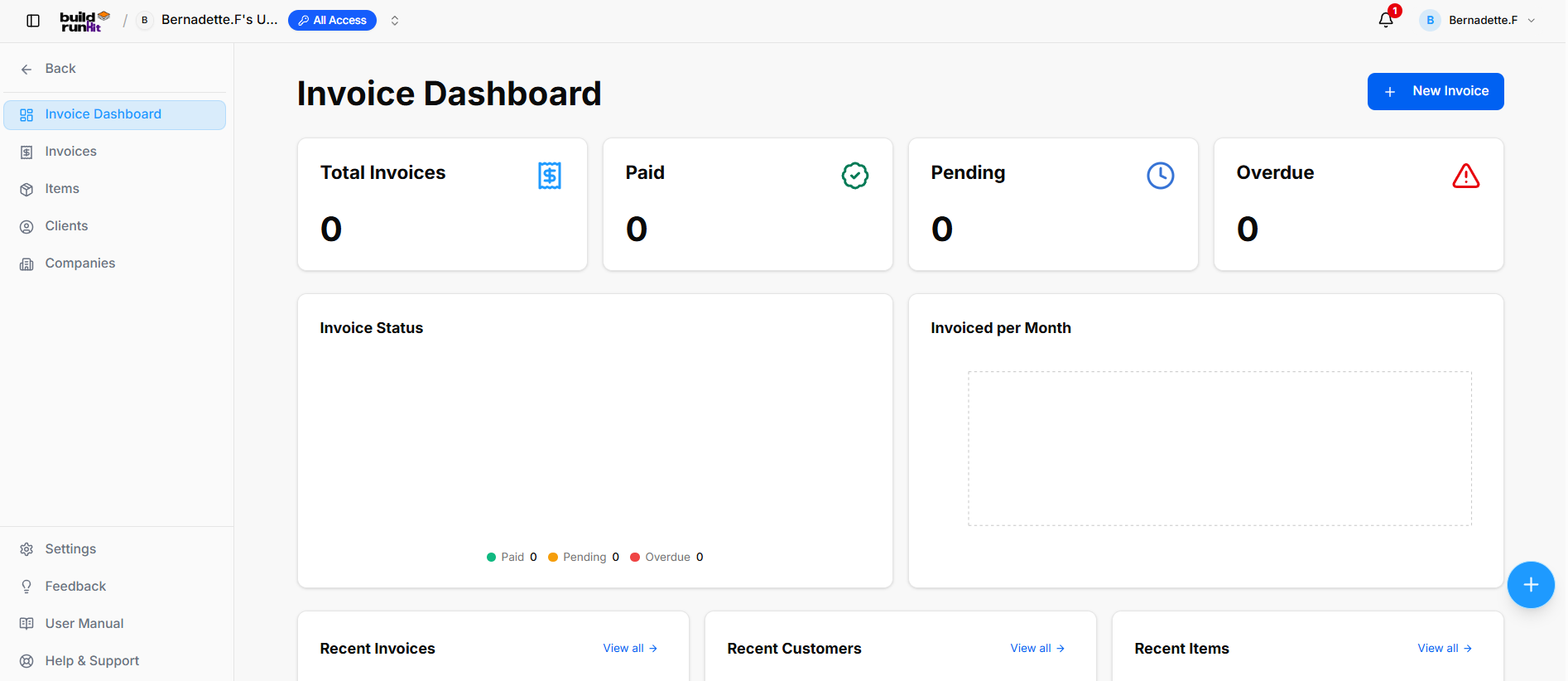
Location & Navigation Sidebar
-
Top Left Action: <- Back button to return to main workspace navigation.
-
Module Views:
-
Invoice Dashboard (Currently Active)
-
Invoices
-
Items
-
Clients
-
Companies
-
-
Bottom Sidebar Links: Settings, Feedback, User Manual, Help & Support.
Header Actions
-
Page Title: Invoice Dashboard
-
Primary Action: + New Invoice button.
Top Metric Summary Cards
-
Total Invoices: Tracks total generated billing records (e.g.,
0). -
Paid: Tracks successfully settled invoices (e.g.,
0). -
Pending: Tracks outstanding invoices awaiting payment (e.g.,
0). -
Overdue: Highlights unpaid invoices past their due date with an alert icon (e.g.,
0).
Analytics & Visual Chart Panels
-
Invoice Status: Donut breakdown chart monitoring payment states (Paid 0, Pending 0, Overdue 0).
-
Invoiced per Month: Visual timeline chart displaying historical revenue volume.
Recent Activity Panels (Lower Dashboard)
-
Recent Invoices Section: Displays latest generated invoice records with a View all -> quick link.
-
Recent Customers Section: Displays recently added client contacts with a View all -> quick link.
-
Recent Items Section: Displays recently created line items and services with a View all -> quick link.
No comments to display
No comments to display