
Goldilocks Projects: Overview and Account Setup
Getting Started
From the main landing page, you have the following options to begin:
-
Get Started Free: Click this button to create your account.
-
See Plans: View different pricing and feature tiers available for your needs.
-
Go to App: If you already have an account, use this button in the top right corner to log in.
Account Setup
Your BuildRunKit account gives you unified access to the entire suite, including CRM, Projects, and Invoices.
Creating a Free Account
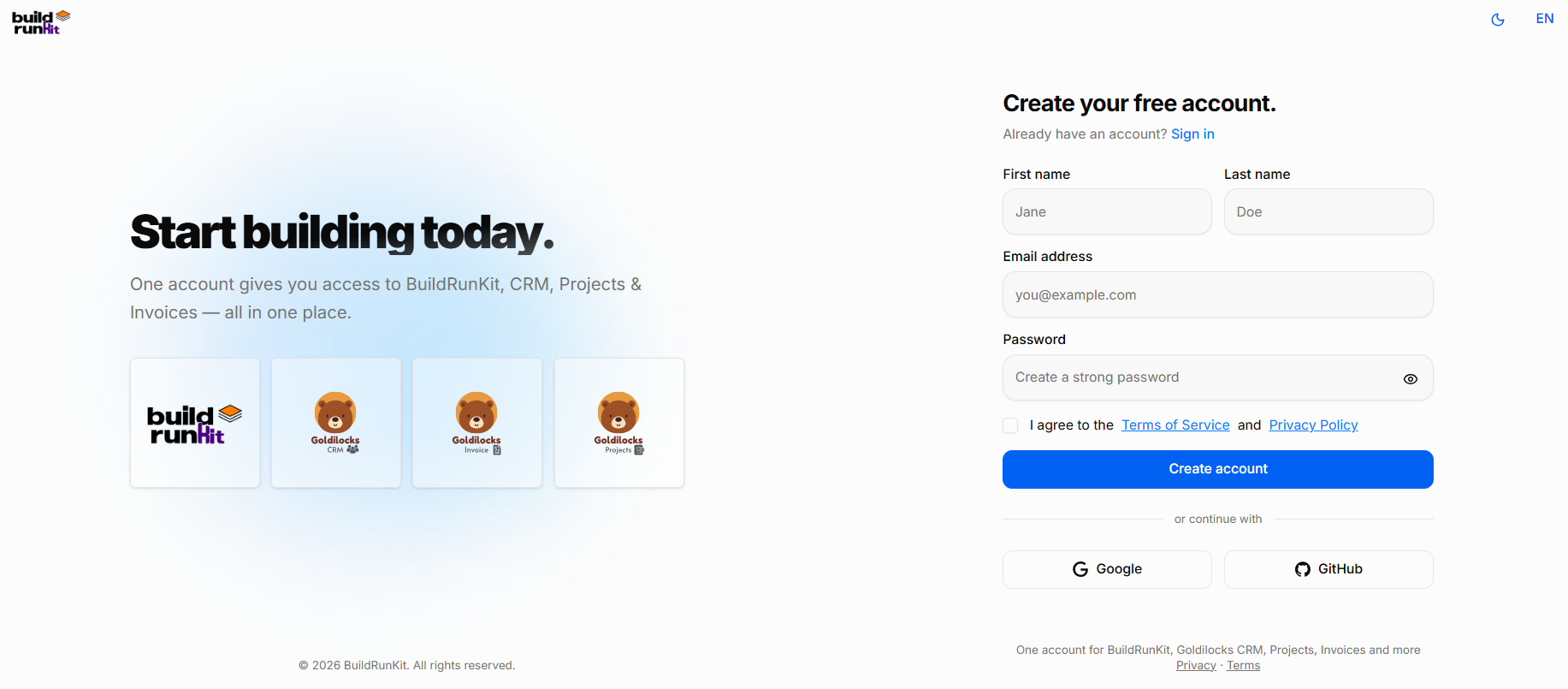
To set up a new account, fill in the following information:
-
First name & Last name: Enter your personal details.
-
Email address: Provide a valid email to be used for your account.
-
Password: Create a strong password (click the eye icon to toggle visibility).
-
Terms & Privacy: You must check the box to agree to the Terms of Service and Privacy Policy.
-
Create account: Click the blue button to complete registration.
Signing In
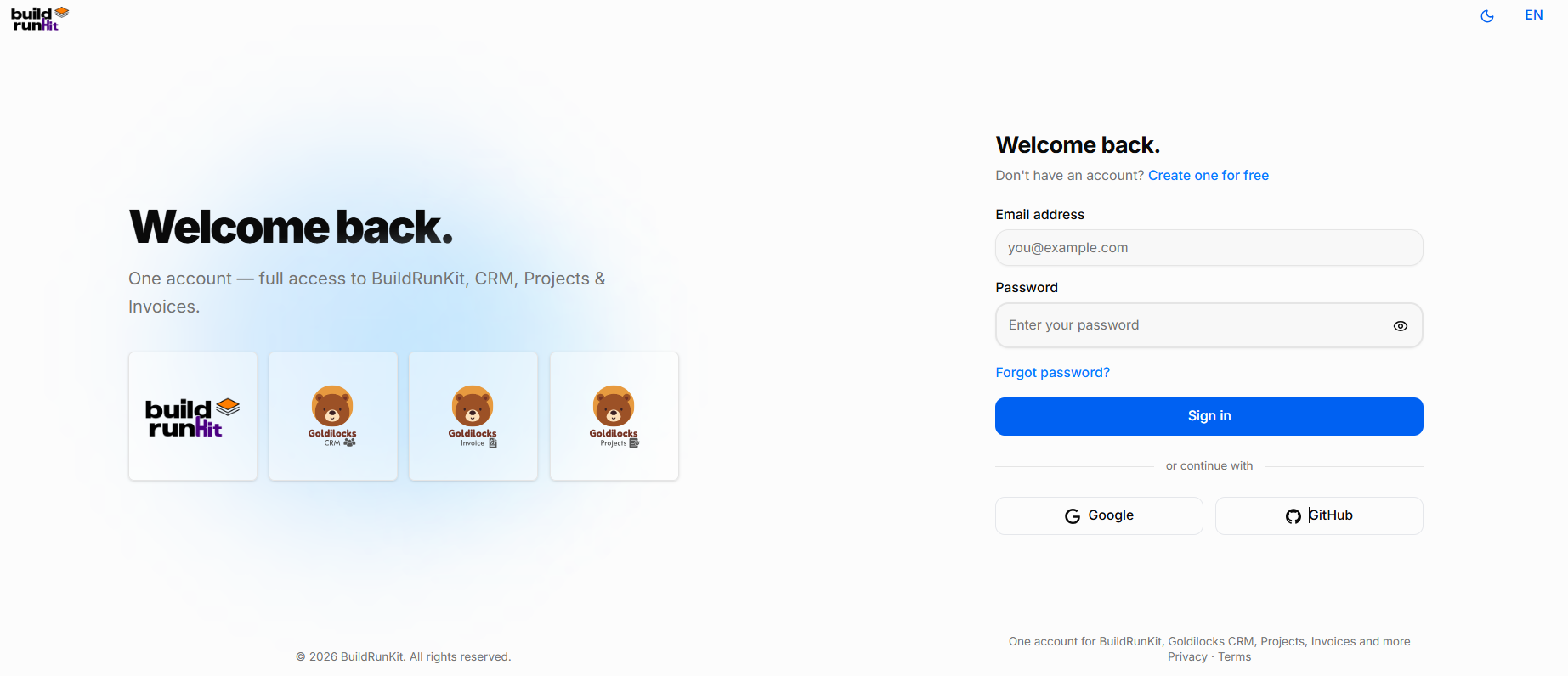
If you already have an account, navigate to the "Welcome back" screen:
-
Email and Password: Enter your registered credentials.
-
Forgot password?: Use this link if you need to reset your access.
-
Sign in: Click the blue button to access your dashboard.
Alternative Sign-InLogin Options
ForIf bothyou registrationregistered andusing logginga in,third-party account, you can uselog thein "orinstantly continueby with" social buttons:clicking:
-
Google
-
GitHub
Note: If you are on this page by mistake and need to register, click the "Create one for free" link at the top right of the login box.